OSRS Mobile Tips and Tricks: Play Efficiently on the Go
By Expos.GG Team · 2026-01-29
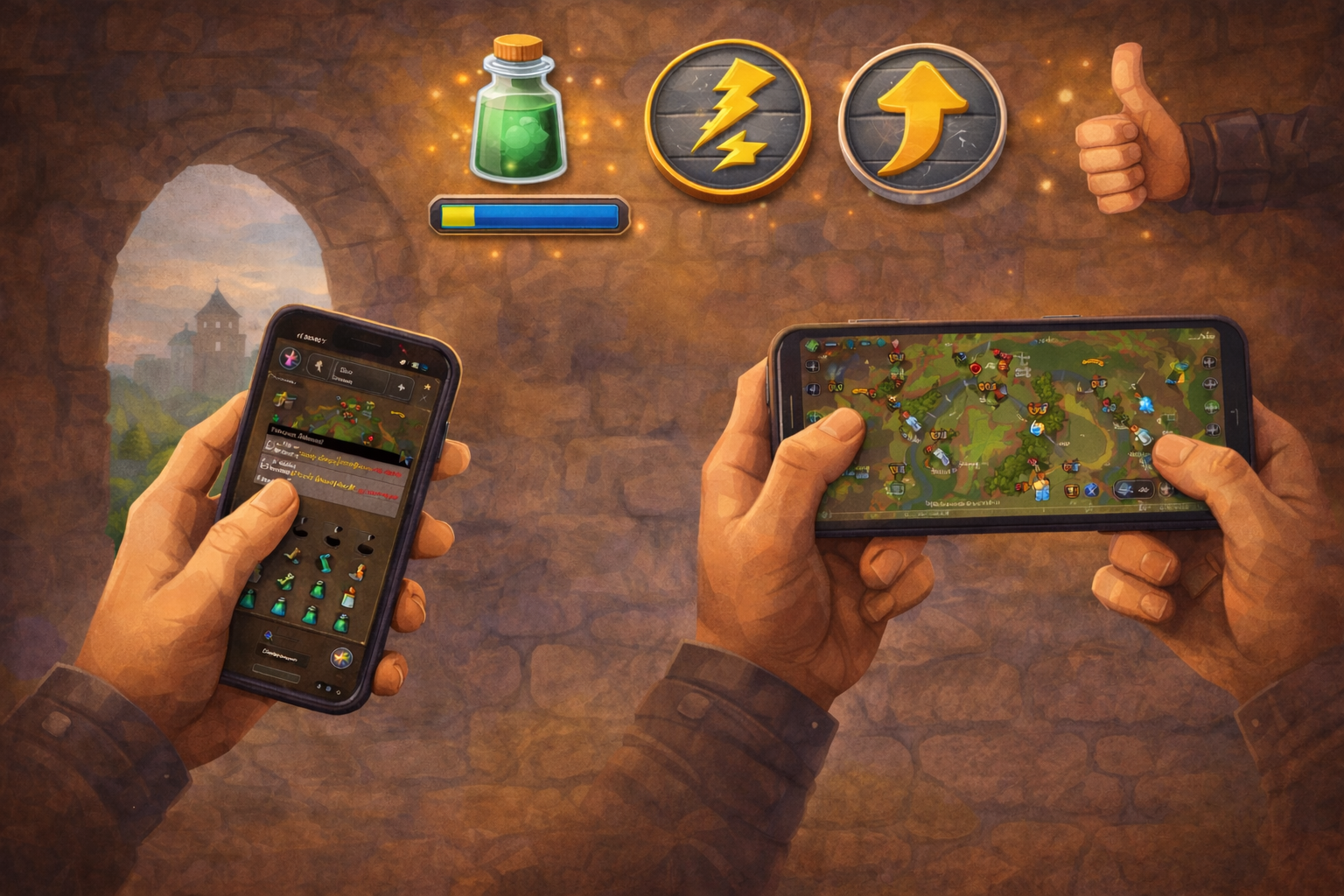
Master OSRS Mobile with our tips for efficient gameplay. Learn the best activities, settings, and tricks for mobile gaming.
Overview
OSRS Mobile lets you play anywhere, but some activities work better than others. This guide covers optimal mobile gameplay and essential settings.
Getting Started
Download - Available on iOS and Android - Free to download - Same account as desktop
Initial Setup 1. Login with existing account or create new 2. Adjust interface size 3. Enable important settings 4. Practice basic controls
Essential Settings
Interface Scaling - Recommended: 75-100% based on screen size - Larger phones can use smaller scaling - Find comfortable balance
Performance Settings - FPS: 30 is usually best for battery - Draw Distance: Lower for performance - GPU: Enable if available
Touch Controls - Single tap to interact - Hold for right-click menu - Pinch to zoom in/out - Two-finger drag to rotate camera
Important Toggles 1. Tap-to-drop: Essential for mobile 2. Single-tap for action: Faster banking 3. Mobile tooltips: Learn what things do
Best Mobile Activities
Highly Recommended (Easy on Mobile)
AFK Skilling: - Fishing (anglerfish, monkfish) - Woodcutting (redwoods, yews) - Mining (motherlode, amethyst) - Combat training (NMZ, crabs) - Magic (splashing)
Daily/Weekly Activities: - Birdhouse runs - Herb runs - Tree runs - Battlestaves - Miscellania
Simple Bosses: - Giant Mole - Kraken - Thermonuclear Smoke Devil - Wintertodt
Works Well (Moderate Difficulty)
Semi-AFK Content: - Slayer tasks (most) - Blood runecrafting - Cannonball smithing - Harps (Prif)
Some Minigames: - Tempoross - Guardians of the Rift - Soul Wars
Not Recommended (Difficult on Mobile)
Intensive Content: - Raids (CoX, ToB, ToA) - Inferno - High-level PvM with switches - PvP - 3-tick training methods
Precision Required: - Tick manipulation - Prayer flicking - Boss mechanics with gear switches - High APM activities
Mobile-Specific Tips
Battery Saving 1. Lower FPS to 30 2. Reduce draw distance 3. Play on Wi-Fi when possible 4. Use battery saver mode 5. Close background apps
Data Usage - Uses 5-20 MB per hour - Download on Wi-Fi - Check data caps if limited
Connection Tips - Stable Wi-Fi preferred - Mobile data works fine - Avoid spotty connections for PvM - Keep app updated
Interface Tricks
Custom Layout - Rearrange interface panels - Move chat, inventory, prayers - Create efficient mobile layout
Hotbar Setup - Set up prayer/spec orbs - Quick-access items - Optimize for your activity
Zoom Levels - Zoom out for navigation - Zoom in for precise clicks - Find comfortable default
Common Mobile Issues
Misclicks - Zoom in for important clicks - Use hold-for-menu for safety - Practice precision
Fat Finger Syndrome - Increase interface size - Spread important buttons - Use stylus if needed
Timeout/Logout - Tap screen periodically - Use longer logout timer - Keep active during important activities
Activity-Specific Guides
Mobile Herb Runs 1. Set up teleports in order 2. Use tap-to-drop for weeds 3. Ultracompost with one tap 4. Bank preset for supplies
Mobile Birdhouses 1. Pre-set teleport order 2. Have logs and seeds ready 3. Tap-to-drop old houses 4. Quick 5-minute runs
Mobile NMZ 1. Set up absorption method 2. Use rock cake to 1 HP 3. Check every 20 minutes 4. Ultimate AFK training
Mobile Fishing 1. Anglerfish at Piscarilius 2. 4-5 minute AFK times 3. Check occasionally 4. Great for work/school
Making the Most of Mobile
When to Use Mobile - Commuting - Waiting rooms - Work breaks - Before bed (AFK skills) - Any downtime
Maximize Efficiency 1. Do daily activities 2. AFK when busy 3. Save intensive content for desktop 4. Use mobile for what it's good at
Ready to Go Mobile?
Start your mobile adventure with proper supplies.