How to watch YouTube while playing OSRS Mobile
By Expos.GG Team · 2026-04-03
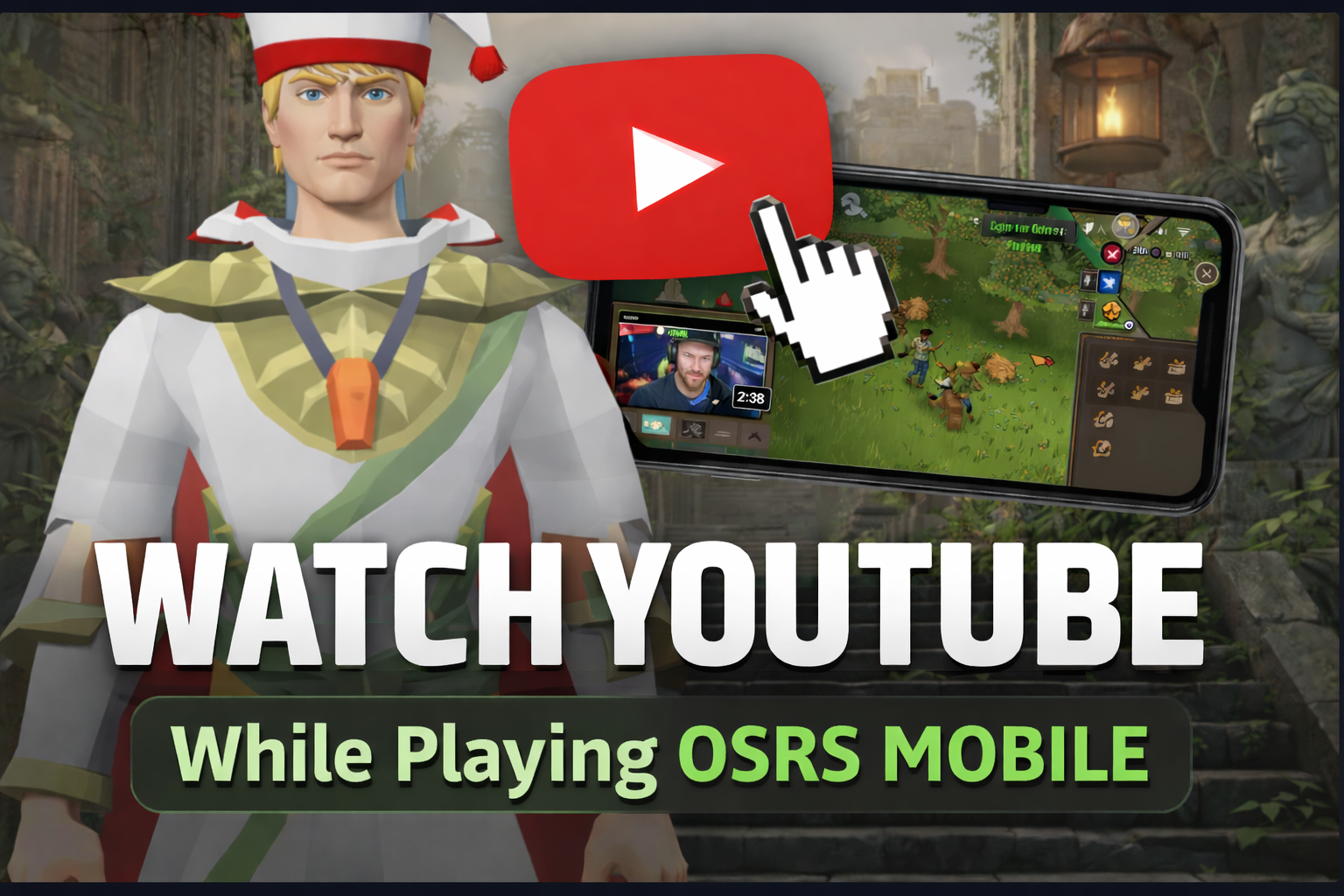
Learn how to watch YouTube while playing OSRS Mobile using Picture-in-Picture, split screen, and easy iPhone & Android methods to make grinding more enjoyable.
How to Watch YouTube While Playing OSRS Mobile (Complete Guide)
If you’re grinding Old School RuneScape on mobile, you already know how repetitive it can get. Whether you’re woodcutting, fishing, or AFKing Nightmare Zone, watching YouTube at the same time makes the experience way more enjoyable.
In this guide, we’ll show you exactly how to watch YouTube while playing OSRS Mobile on both Android and iPhone.
---
Method 1: Picture-in-Picture (Best Method)
Picture-in-Picture (PiP) lets you watch YouTube in a small floating window while playing OSRS.
Android (Easiest Method)
Most Android devices support PiP by default.
Steps: - Open the YouTube app - Start playing a video - Press the Home button (or swipe up) - The video will shrink into a floating window - Open OSRS Mobile - Move the video anywhere on your screen
Tip: Place the video in a corner so it doesn’t block your inventory or minimap.
---
iPhone (With YouTube Premium)
If you have YouTube Premium, PiP works automatically.
Steps: - Open the YouTube app - Play your video - Swipe up to go to the home screen - The video will continue in PiP mode - Open OSRS Mobile
---
iPhone (Free Workaround – No Premium)
You can still use PiP without YouTube Premium using Safari.
Steps: - Open Safari - Go to youtube.com - Play your video - Tap “AA” in the address bar - Select “Request Desktop Website” - Put the video in fullscreen - Swipe up to go home
The video should now continue playing in a floating window. Open OSRS Mobile and position it where you want.
---
Method 2: Split Screen (Android Only)
Split screen lets you run YouTube and OSRS side-by-side.
Steps: - Open YouTube - Tap the Recent Apps button - Hold the YouTube icon - Select “Split Screen” - Choose OSRS Mobile as the second app
Note: This reduces your screen size, so it’s best used for AFK activities.
---
Method 3: Use a Second Device
This is the simplest and most reliable setup.
Examples: - Phone: OSRS Mobile - Tablet or laptop: YouTube
Benefits: - No performance issues - Full screen gameplay - Best for PvM, bossing, and raids
---
Best Setup for OSRS Grinding
- Android: Use Picture-in-Picture - iPhone: Use Safari PiP workaround or YouTube Premium - Keep the video in a corner
Best activities: - Woodcutting - Fishing - Ammonite Crabs - Nightmare Zone
---
Performance Tips
- Lower FPS in OSRS settings if you experience lag - Close background apps - Use WiFi to avoid data slowdowns - Adjust brightness and battery settings for longer sessions
---
Final Thoughts
Watching YouTube while playing OSRS Mobile is one of the easiest ways to make long grinds more enjoyable. Once you get it set up, it becomes part of your routine and makes leveling feel much faster.
If you’re doing long AFK grinds, this setup is a game changer.